FAQ 1
Adjust the levels of sound and motion sensitivity with Parent Unit - RM5752 / RM5762 Series
Adjust sound sensitivity level
1. Press  when the parent unit is idle.
2. Press  ,
, ,
,  or
or  to choose
  , then press
  .
.
2. Press  to
to  choose VOX Sensitivity, and then press to open the submenu.
- If you have two camera units (RM5762-2), the system prompts you to choose the desired camera unit or both camera units, press or to choose ALL CAM or CAM #, then press
 .
.
3. Press to to choose the desired sensitivity level, and then press  to confirm your selection.
 NOTE
NOTE
As long as the Sound activation setting is On, the screen will turn on automatically when sound sensitivity is triggered, despite it was off earlier.
 TIPS
TIPS
- You can adjust the camera unit placement to improve sound detection.
- If you want to use a sound machine or white noise machine for natural white noise while using this baby monitor to check on your baby, you can:
- Lower the volume of your sound machine or white noise machine; or
- Lower the sensitivity level of your baby monitor to Medium or below. The default level is the Highest level.
Adjust motion sensitivity level
Adjust the sensitivity levels to control the motion detection threshold that triggers an alert. You can set the motion sensitivity level - Low, Medium, or High.
1. Press  when the parent unit is idle.
2. Press  ,
,  ,
,  or
or  to choose
  , then press
  .
.
3. Press or to choose Sensitivity, then press .
4. Press or to choose the desired level of sensitivity, then press to confirm your selection.
How does Event Log work?
Events are logs triggered by motion detection. You can view the date and time of the motion in the event timeline.
How does the Sensitivity levels of Motion Detection affect what you would see from camera recording?
3 Sensitivity levels of Motion Detection
| Sensitivity levels | Detection levels |
| High |
Camera records videos when it detects a small motion, such as yawning or stretching. |
| Medium (Default) |
Camera records videos when it detects a normal daily motion, such as people walking around the house. |
Low |
Camera records videos when it detects a large motion, such as children are chasing or jumping around. |
I am using RM5752. What are those icons / messages on the parent unit's display?
When you are using this app-enabled baby monitor system, you will notice the Status icons, Main menu icons, and Alert messages. Go to the links below for more information.
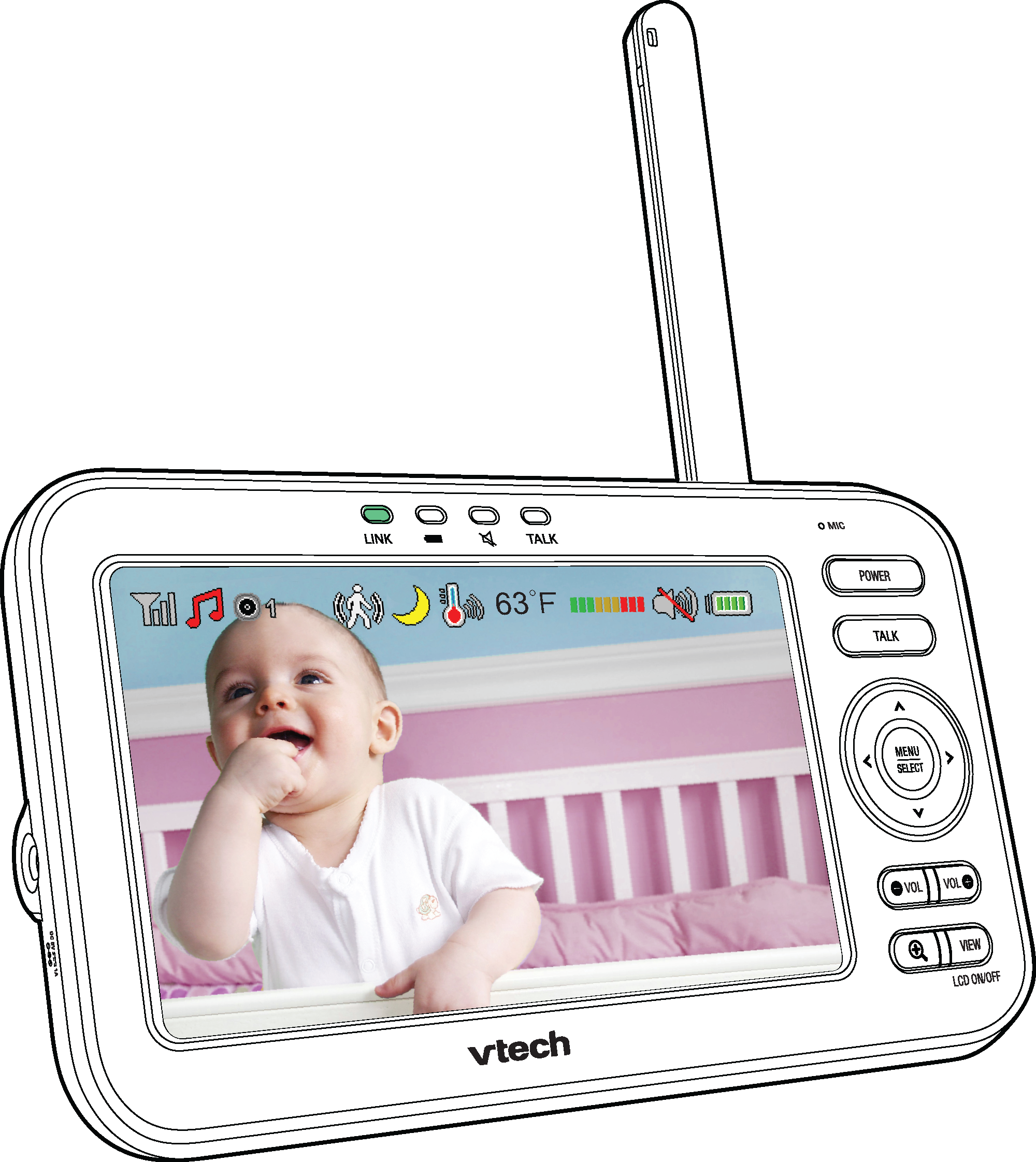
Status icons at the top of the Parent Unit's display
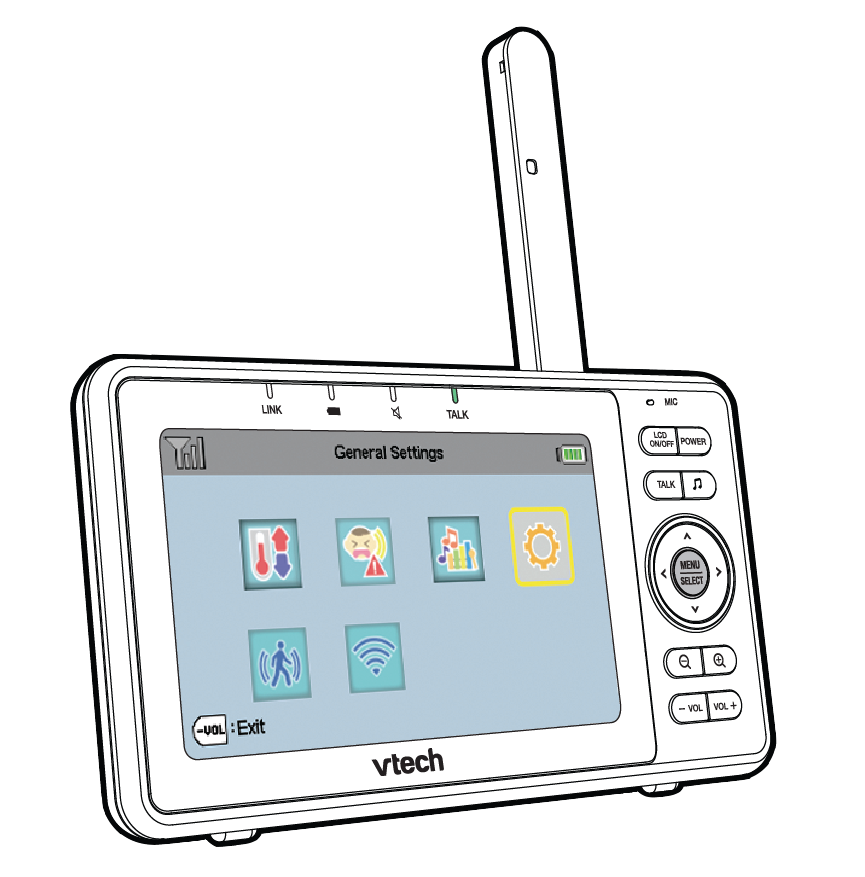
Main menu features of RM5752
https://vtech.zendesk.com/